


Task management for contractors
Every job. Every crew member. One place.
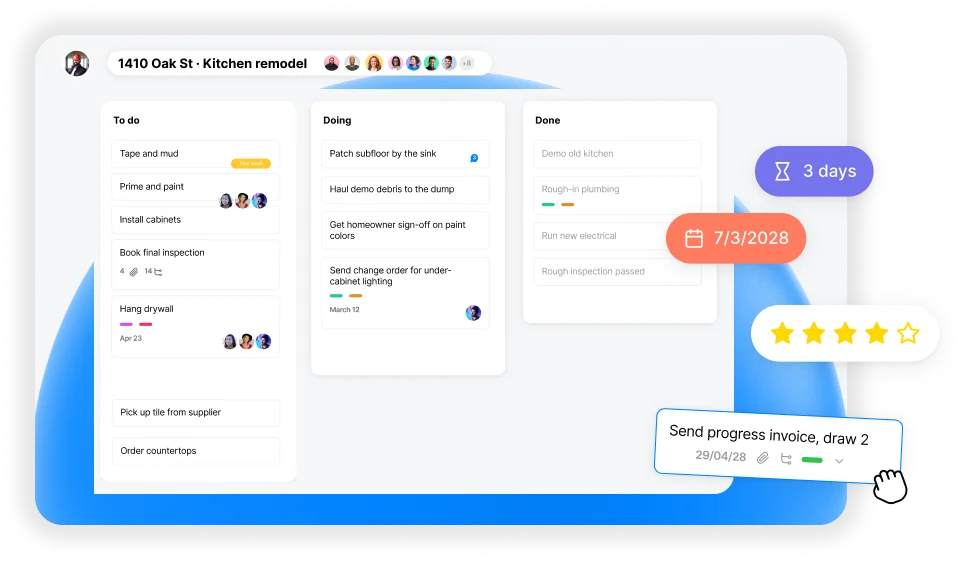
The simple task app for contractors and their crews. One board per job site, every task assigned by name, and reminders that land in WhatsApp.
Replaces:
- the whiteboard in the shop
- the group chat nobody scrolls back through
- the spreadsheet only the office opens
One app for the office, the truck and the job site
On your phone or on your computer. Owner, office manager or crew member, everyone works from the same plan.
iPhone · Android · Mac · Windows · Web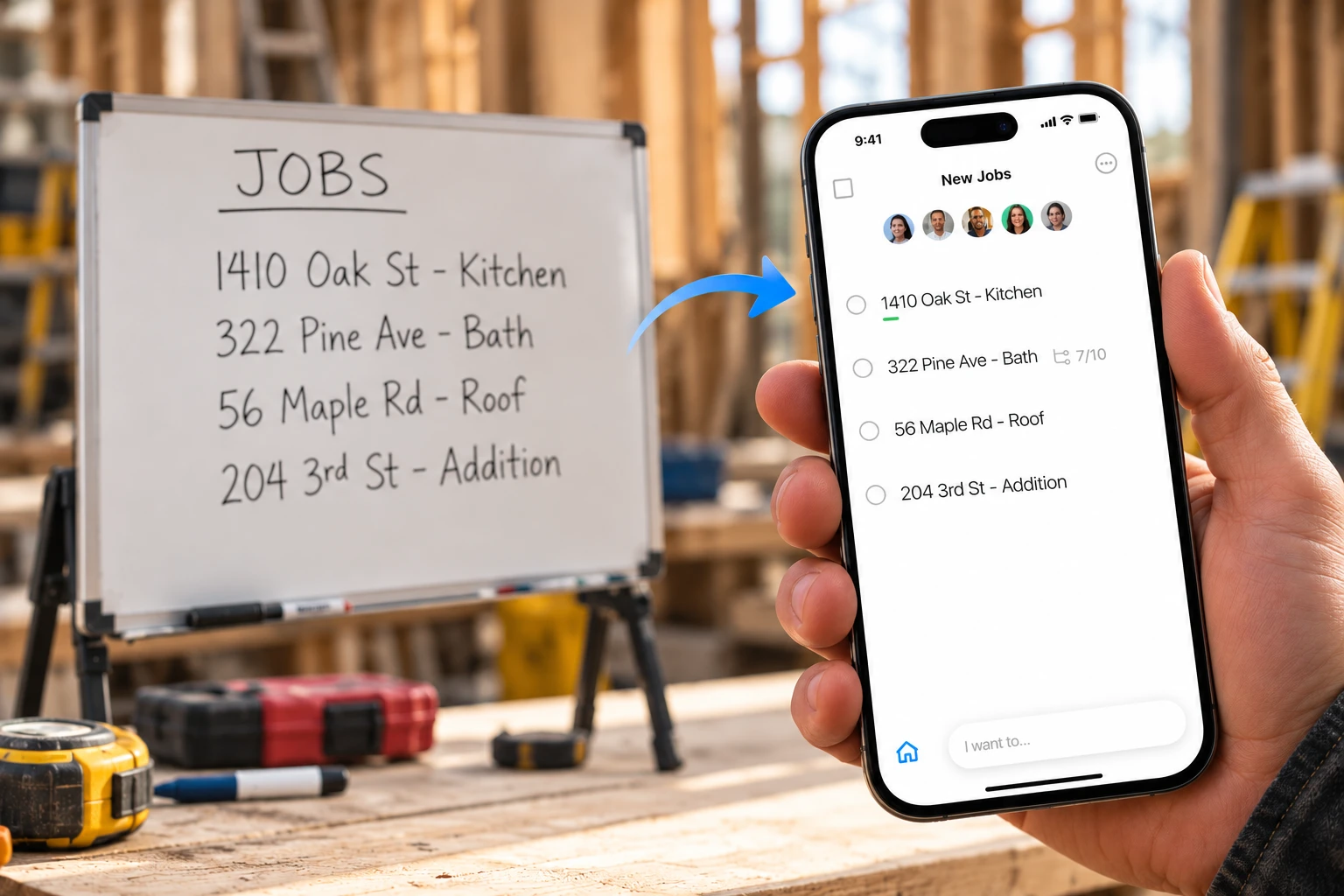
Stop running jobs off whiteboards and spreadsheets
Every job, address and punch list moves off the shop wall and into one app. Check it on your phone at the site or on your desktop back at the office. It's the same list everywhere, always up to date.
- Mobile and desktop apps that stay in sync
- Track progress on the go, right from the job site
- Nothing gets wiped off the board by accident
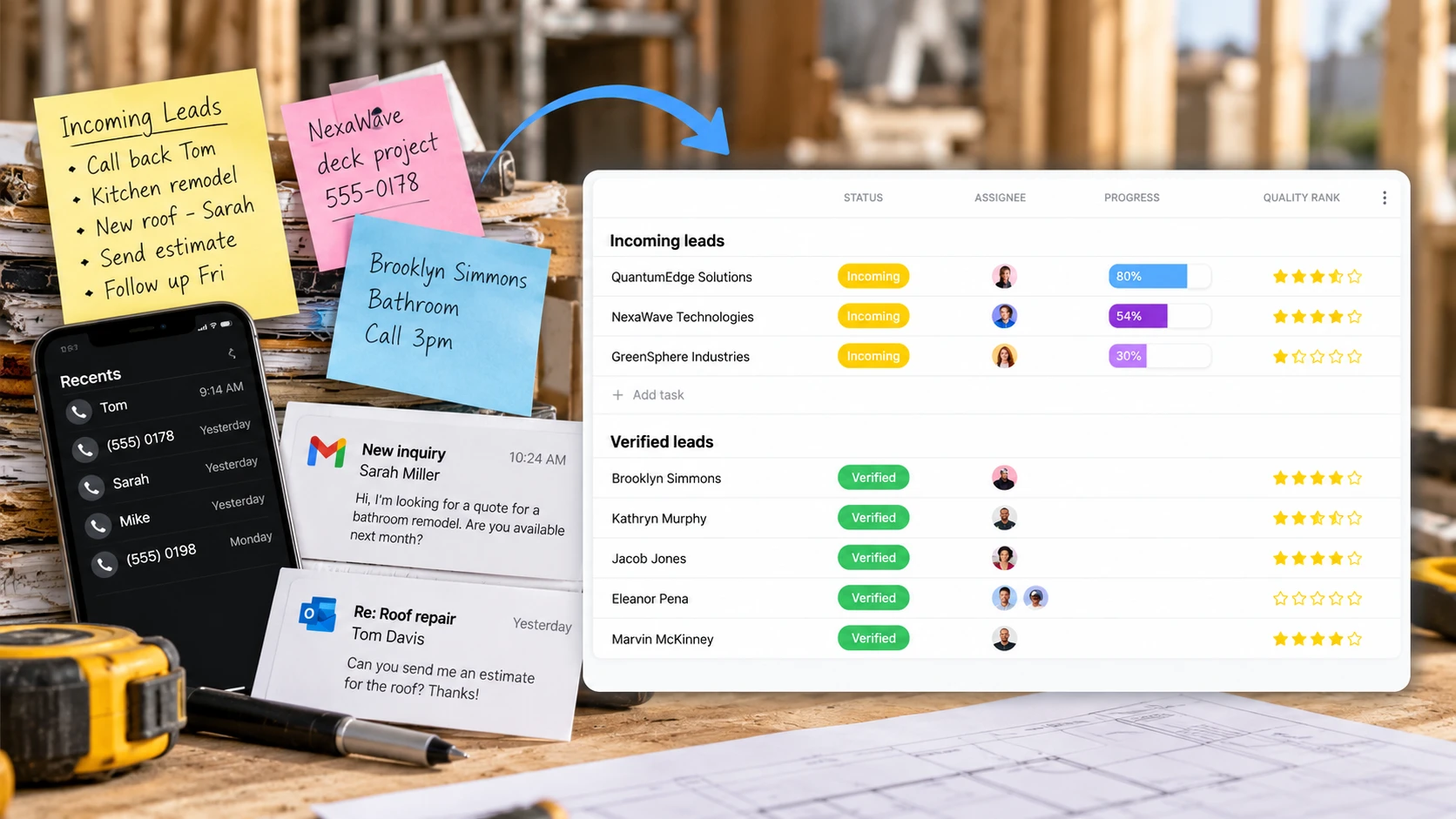
Turn the chaos of incoming leads into booked jobs
Calls, emails and sticky notes all land on one board. See every new inquiry and bid, who's following up and how close it is to a signed estimate.
- A board for leads, bids, change orders or anything else you track
- Status, owner and progress at a glance
- Follow-up reminders so no call goes unanswered
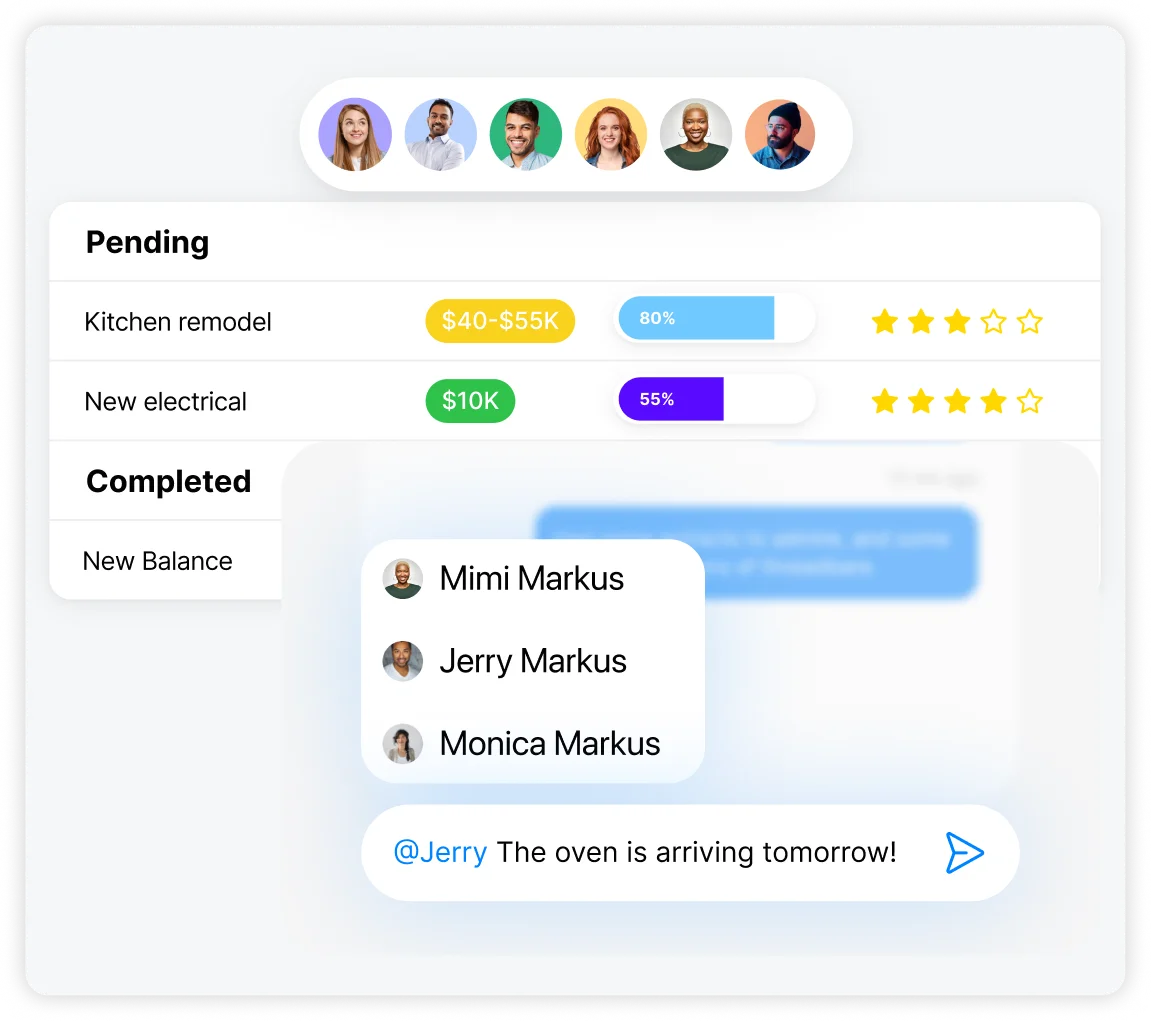
Always know who's doing what
Each board is a job, with its status, budget and follow-ups in one place. The office sees every job, your crew and subs see their day, and anyone can @mention a teammate right on the task.
- Every task has an owner and a due date
- Comment and @mention right where the work is
- Owners, foremen, crew and the office see the same picture
A job tracking app for every trade
Whether you run a two-person crew or a dozen people across several job sites, Any.do keeps the work, the people and the dates in one place.
Remodelers & general contractors
One board per job, from demo to final walkthrough, with subs and inspections on the same list.
Electricians
Track rough-ins, service calls and inspections across every job you have open.
Plumbers
Keep service calls, rough-ins and parts to pick up in one list the whole crew can see.
Roofers
Schedule tear-offs around the weather and keep photos of every roof on the job board.
Drywall & painting
Hang, tape, mud and paint in order, with a punch list for touch-ups before you get paid.
Landscaping
Plan weekly maintenance routes and one-off installs, and give every crew its list for the day.
HVAC
Installs, maintenance visits and follow-ups, each assigned to the right tech with a due date.
Concrete & masonry
Pour dates, forms and inspections on one board, so nobody shows up on the wrong day.
Join +50M highly effective individuals, families and teams





Put your whole crew on one task list
Integrations
Works with WhatsApp, Gmail and the tools you already use



 and more
 Any.do connects with WhatsApp, Gmail, Slack and Zoom, and with thousands more apps through Zapier.
Learn more ->Start from a contractor template
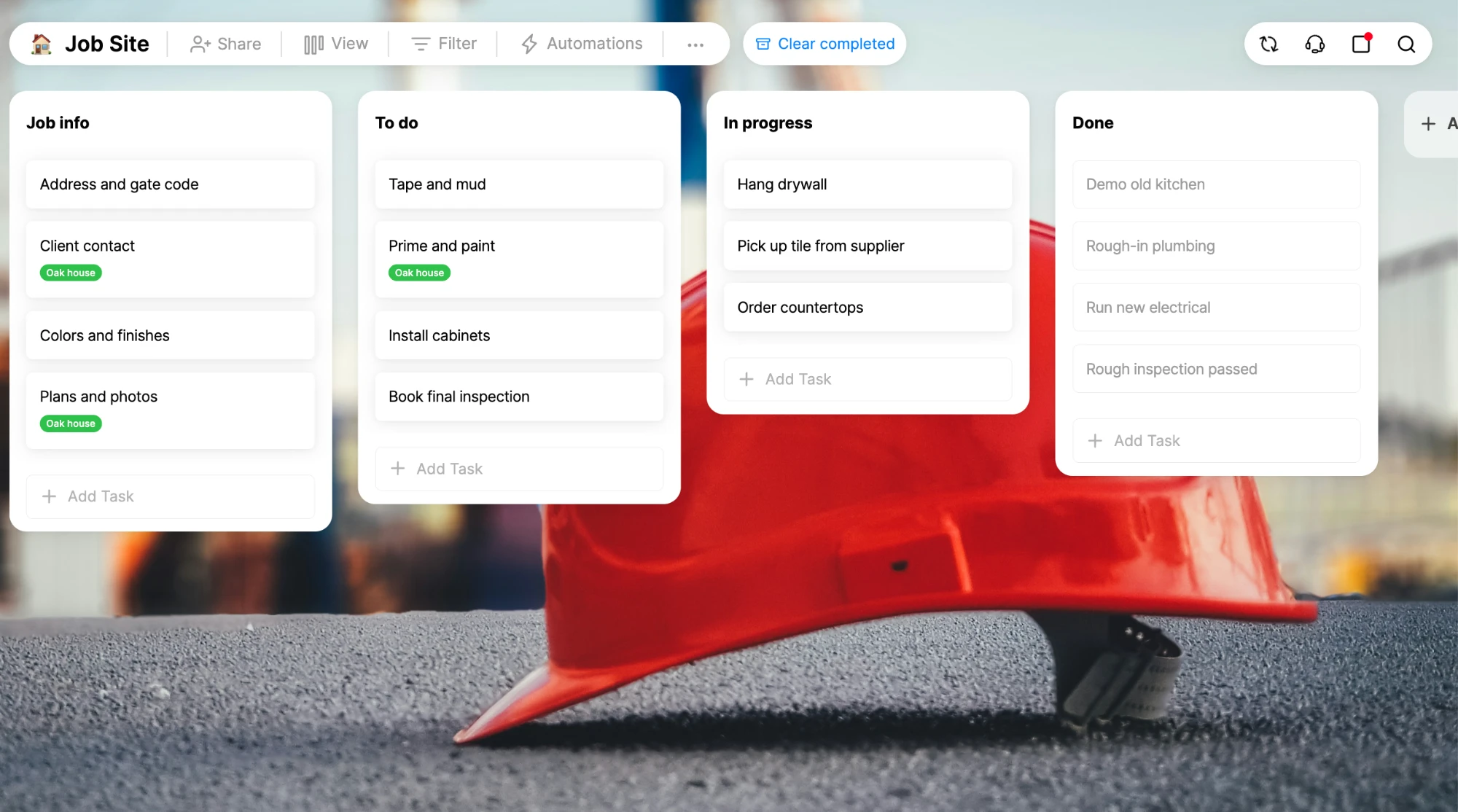
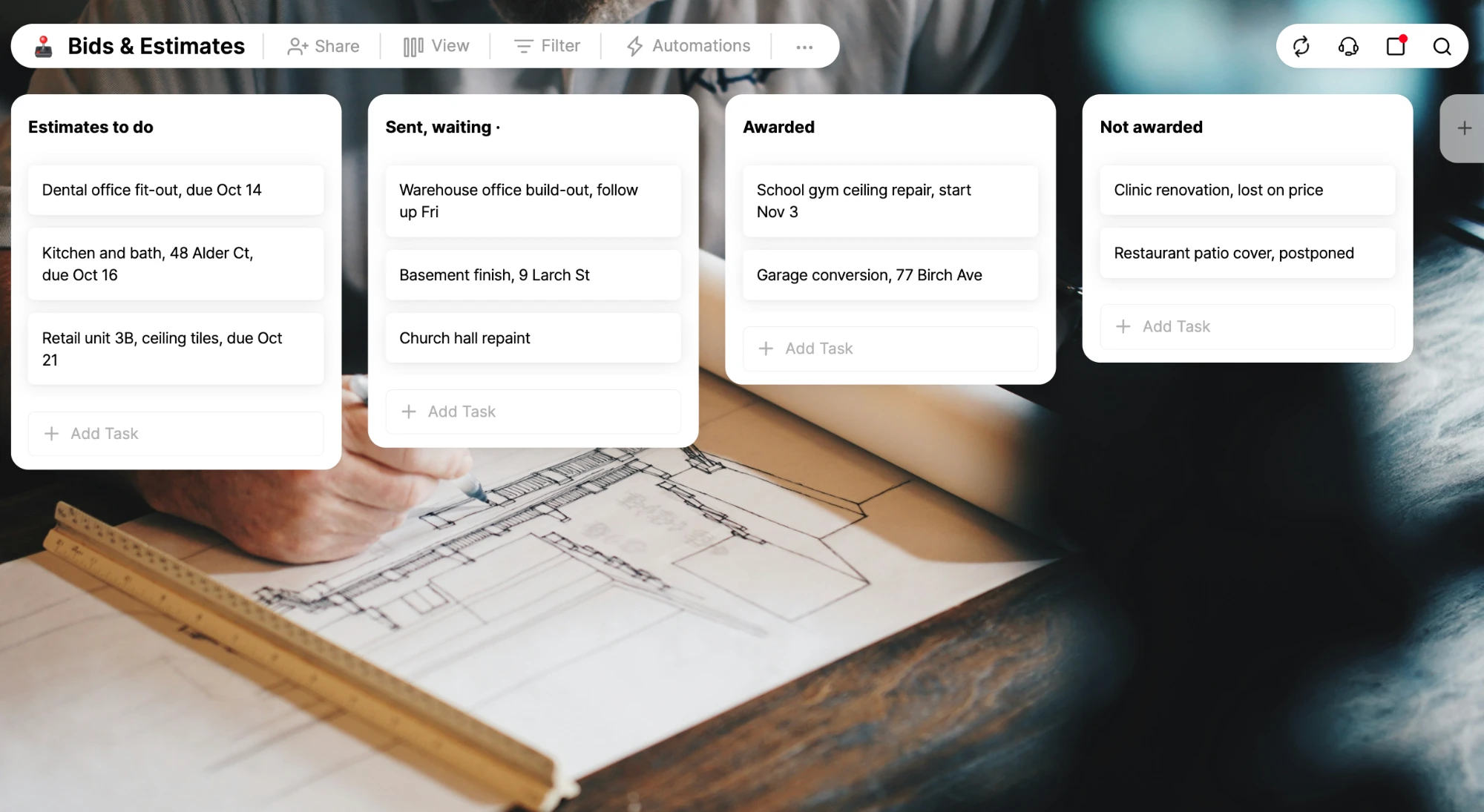
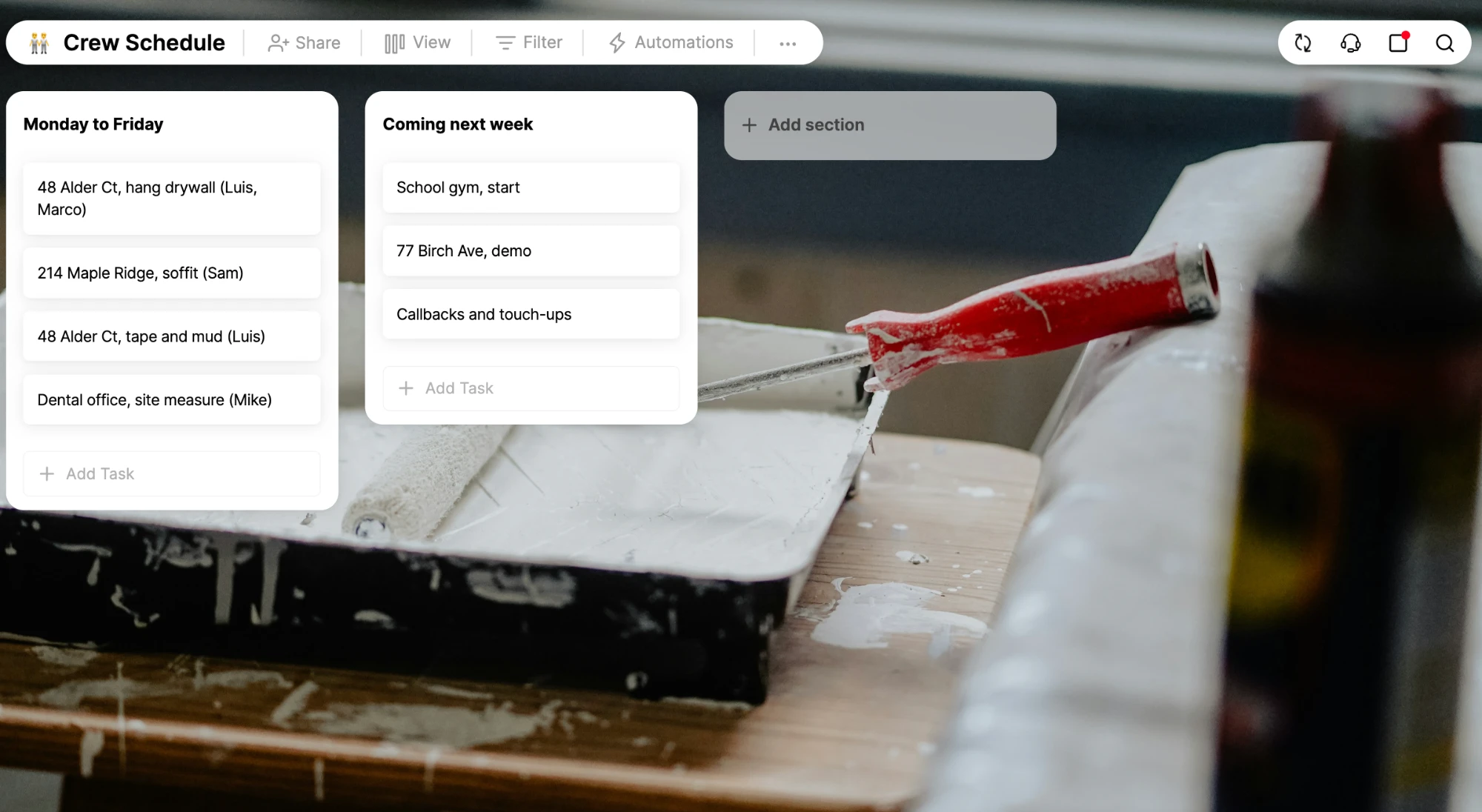
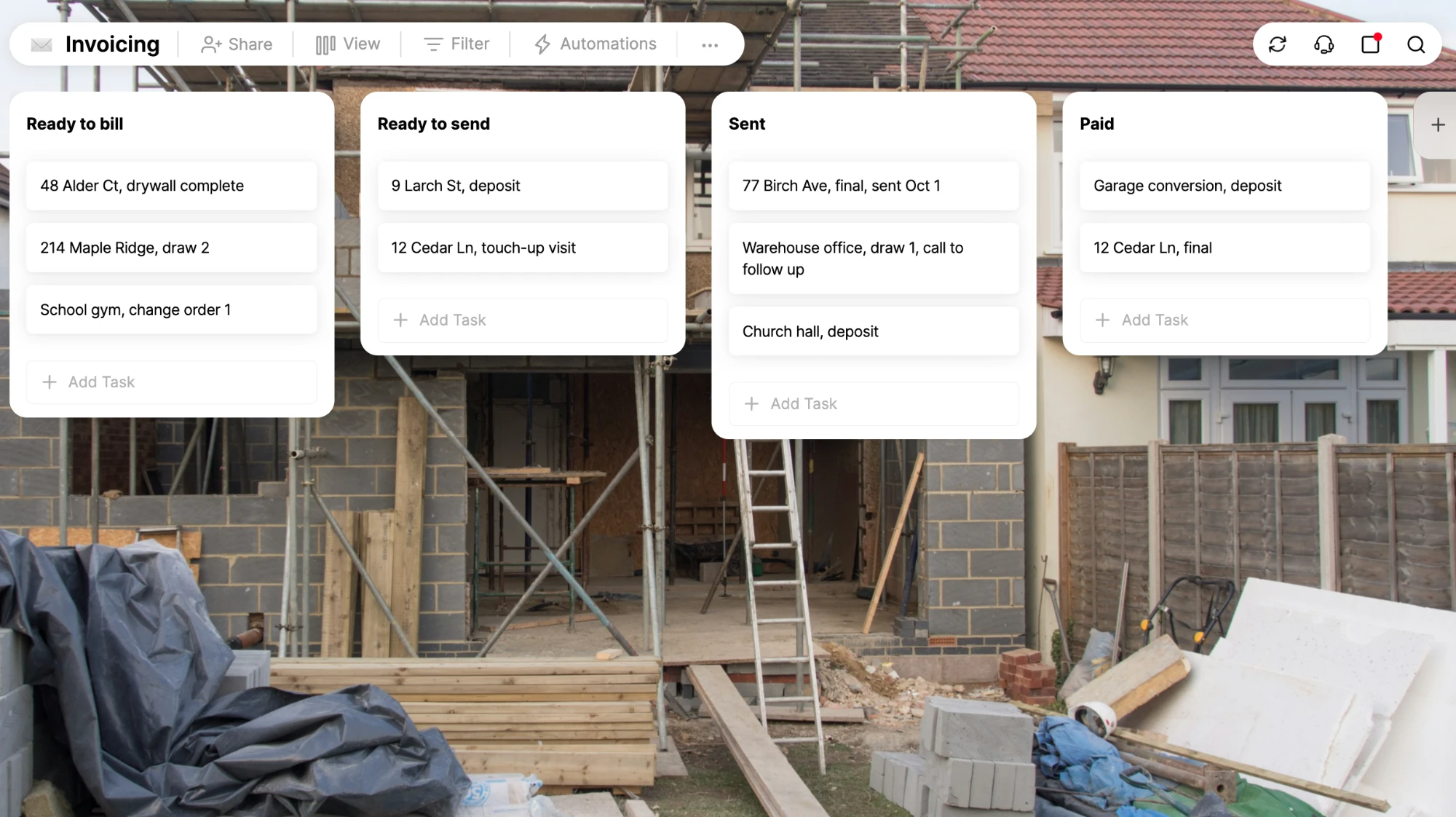
Job Site, Bids & Estimates, Crew Schedule and Invoicing boards are ready to go.
Pick one, rename it and make it yours.
1 Click Import
Switching to Any.do?
Moving in is easy. Bring your tasks and projects over from the tool you use now and keep working without missing a beat.
Which platform are you migrating from?
Started using Any.do as my personal to do list and now my whole team runs on it.”
Jess Morris, Agency owner, Mom, and an expert storyteller.
Questions contractors ask
What is Any.do for contractors?
Any.do is a task management app for contractors and their crews. Create a board for each job site, add the tasks, assign each one to a crew member with a due date, and get reminders on your phone or in WhatsApp.
Does it work on my phone at the job site?
Yes. Any.do runs on iPhone, Android, Mac, Windows and the web. Changes made on site show up for the office right away, and the office's changes show up on the crew's phones.
How do WhatsApp reminders work?
Connect your WhatsApp number to Any.do and you can add a task by sending a message, and get your reminders in the same chat you already use all day.
Can I keep a punch list for each job?
Yes. Add a punch list section to the job's board, add each item as a task with a photo, and assign it. Check items off as they're fixed, so everyone can see what's left before the final walkthrough.
Does Any.do do estimating or invoicing?
No. Any.do is not estimating or accounting software. Keep the tools you use for estimates and invoices, and use Any.do to track which bids are out, which invoices to chase and who's following up.
How much does it cost?
You can try Any.do Workspace free for 14 days, no credit card required. After the trial, you pay per user, per month. See the pricing page for current plans.